Organise the product catalogue
Use clear generic or brand names, pack sizes, units and prices. Keep similar products distinct so staff select the intended item at checkout.
 FahamPesa.
Fahampesa for Pharmacies
Keep retail sales and medicine stock records connected in one business workspace. Fahampesa supports product, supplier and inventory operations for pharmacies while keeping clinical decisions outside the POS.
Explore the software and confirm your devices with our team.
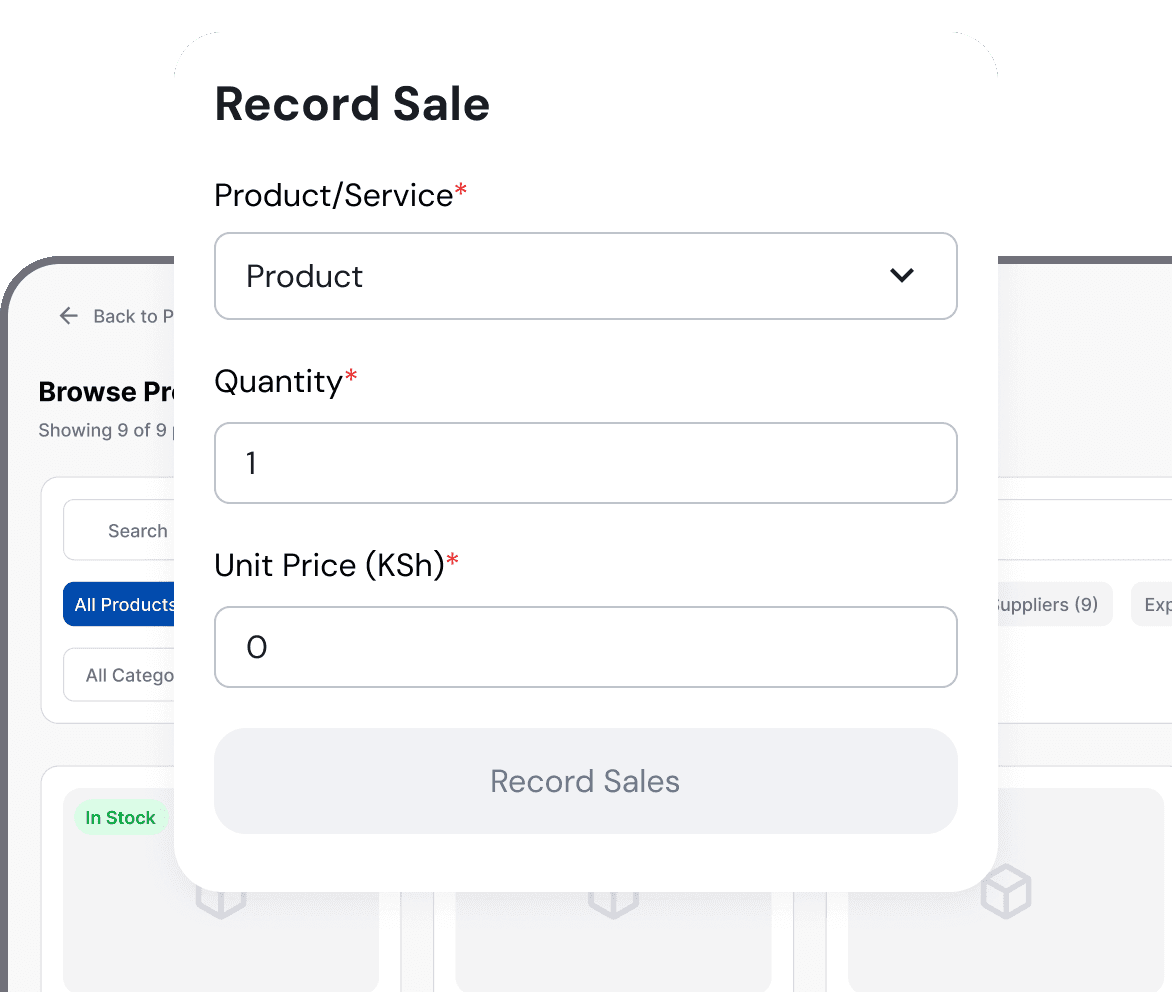
Product illustration. Example interface and sample values.
Made for your working day
Licensed pharmacies and chemists that need retail sales, supplier, purchase and inventory records for products they are authorised to sell.
A pharmacy needs accurate product names, units, batches and available quantities. Business software should help the team review stock without presenting itself as a prescriber, medical adviser or patient-record system.
Use clear generic or brand names, pack sizes, units and prices. Keep similar products distinct so staff select the intended item at checkout.
Record supported batch or expiry information where available, then follow a documented physical-check routine. Software alerts do not replace professional stock control.
Keep supplier contacts, purchases and accepted quantities together. Record delivery differences before adding available stock.
Set up authorised products with accurate names, units, prices and opening quantities.
Record retail sales and accepted supplier deliveries through the supported workflow.
Review quantities and expiry information, then complete the required physical and professional checks.
Supported checkout workflows let your team record cash, M-Pesa, card and bank payments. Payment recording does not automatically process a card or verify an M-Pesa transfer. Ask us to demonstrate the payment and confirmation steps available for your business.
See it with your business in mind
Bring a small sample catalogue with pack sizes and expiry examples. Ask the team to demonstrate product search, a sale, receiving stock and the information available for inventory review.
Request a Demo on WhatsAppVisit our showroom: Diamond Plaza 1, 4th floor, Parklands, Nairobi, Kenya.
WhatsApp: +254 117 154 195
Call: 0716 908 595
Windows installation guideNo. This page describes retail sales and inventory operations. It does not claim prescribing, diagnosis, clinical records or automated professional decisions.
Ask the team to demonstrate the expiry and batch fields available in your current workspace. Keep a separate physical and professional verification process.
No. Licensed professionals remain responsible for legal, clinical and product-safety decisions.
Supplier and purchase tools support business records. Verify supplier authorisation and retain the source documents required by your procedures.
Use the Getting Started guide and ask the team to confirm the workflow and devices your business needs.
Visit Diamond Plaza 1, 4th floor, Parklands, Nairobi, Kenya. Call 0716 908 595 before travelling to arrange a time. Bring your sample products or services and the devices you plan to use.
Built around your business
Explore sales, stock and service workflows for businesses in Kenya.