Define products and selling units
Use specific names, variants and units such as pieces, bags or metres. Confirm how the business buys and sells each item before entering opening stock.
 FahamPesa.
Fahampesa for Hardware shops
Keep product units, counter sales, supplier purchases and customer invoices connected. Fahampesa helps hardware businesses explain what was sold, what remains and what a customer still owes.
Explore the software and confirm your devices with our team.
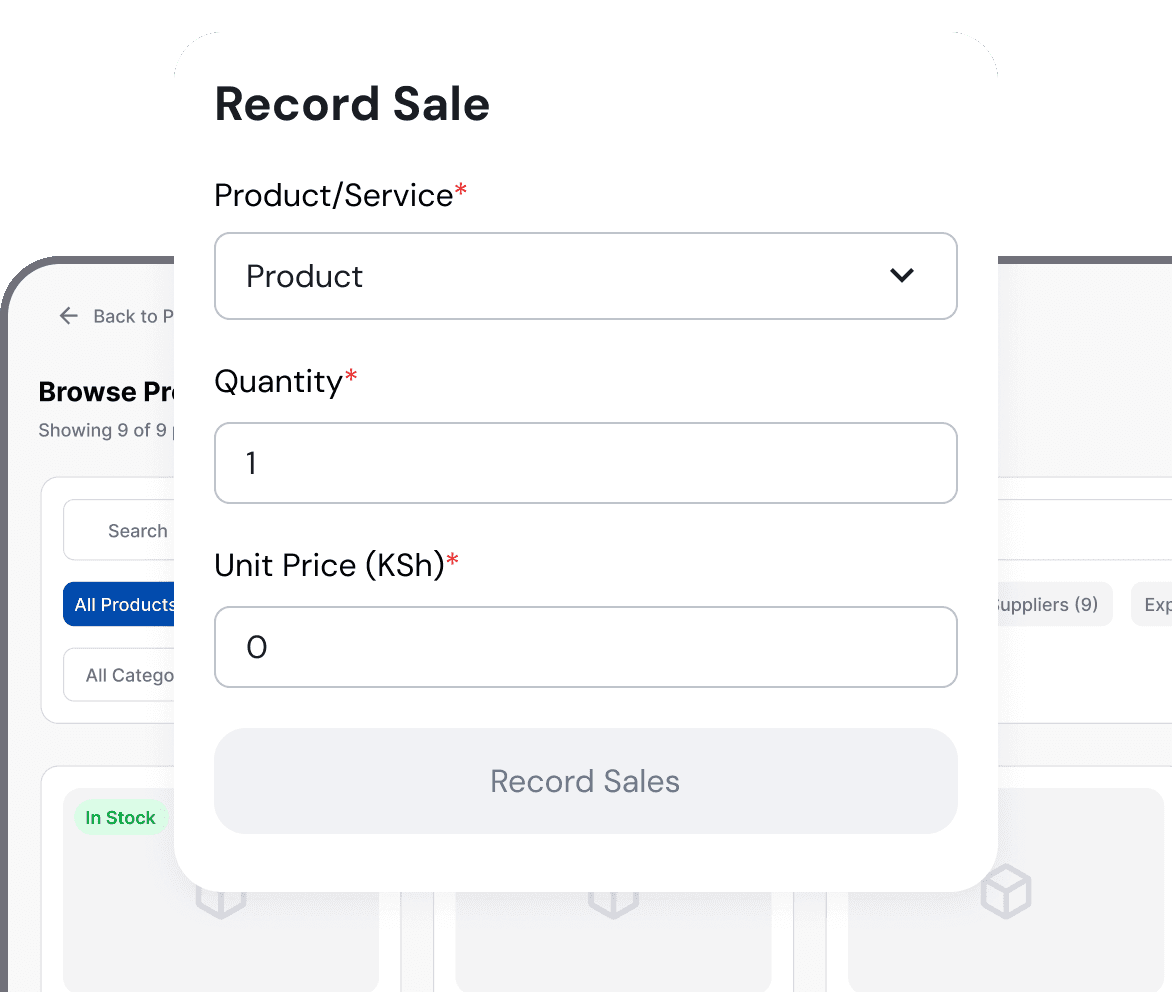
Product illustration. Example interface and sample values.
Made for your working day
Hardware shops, building-material retailers and suppliers selling items by piece, pack, length, weight or other defined units.
Hardware catalogues include many similar items and selling units. An unclear unit or product description creates pricing, stock and customer-balance errors that become expensive to trace later.
Use specific names, variants and units such as pieces, bags or metres. Confirm how the business buys and sells each item before entering opening stock.
Record the supplier, expected quantities and accepted delivery. Explain shortages or damaged goods instead of adding the full order automatically.
Prepare itemised customer invoices and record part payments against the correct document. The outstanding balance stays visible for follow-up.
Create specific product names, units, prices and opening quantities.
Record supplier purchases, deliveries and customer sales against those units.
Review stock differences, invoices and outstanding customer balances before reordering.
Supported checkout workflows let your team record cash, M-Pesa, card and bank payments. Payment recording does not automatically process a card or verify an M-Pesa transfer. Ask us to demonstrate the payment and confirmation steps available for your business.
See it with your business in mind
Bring examples of products sold in different units, one supplier purchase and one customer invoice. Ask the team to show the complete record from delivery to sale and payment.
Request a Demo on WhatsAppVisit our showroom: Diamond Plaza 1, 4th floor, Parklands, Nairobi, Kenya.
WhatsApp: +254 117 154 195
Call: 0716 908 595
Windows installation guideDefine the unit used for each product and confirm the intended setup during a demonstration. Do not assume an automatic conversion between every pack and individual item.
Supported invoice tools record item lines, totals, payments and remaining balances. Confirm the document and tax requirements for your business.
Access depends on the assigned role and workspace permissions. Give each staff member only the information needed for their work.
A recorded method does not prove a transfer. Confirm the source transaction before marking the invoice as paid.
Use the Getting Started guide and ask the team to confirm the workflow and devices your business needs.
Visit Diamond Plaza 1, 4th floor, Parklands, Nairobi, Kenya. Call 0716 908 595 before travelling to arrange a time. Bring your sample products or services and the devices you plan to use.
Related workflows
Built around your business
Explore sales, stock and service workflows for businesses in Kenya.