Record each counter sale
Select the products and quantities sold, then keep the completed transaction in the sales history. Clear entries reduce the need to reconstruct the day from memory.
 FahamPesa.
Fahampesa for Dukas & kiosks
Give a busy duka one clear place for sales, stock and daily expenses. Fahampesa helps shop owners replace scattered notes with records they can review from the counter or through an authorised owner account.
Explore the software and confirm your devices with our team.
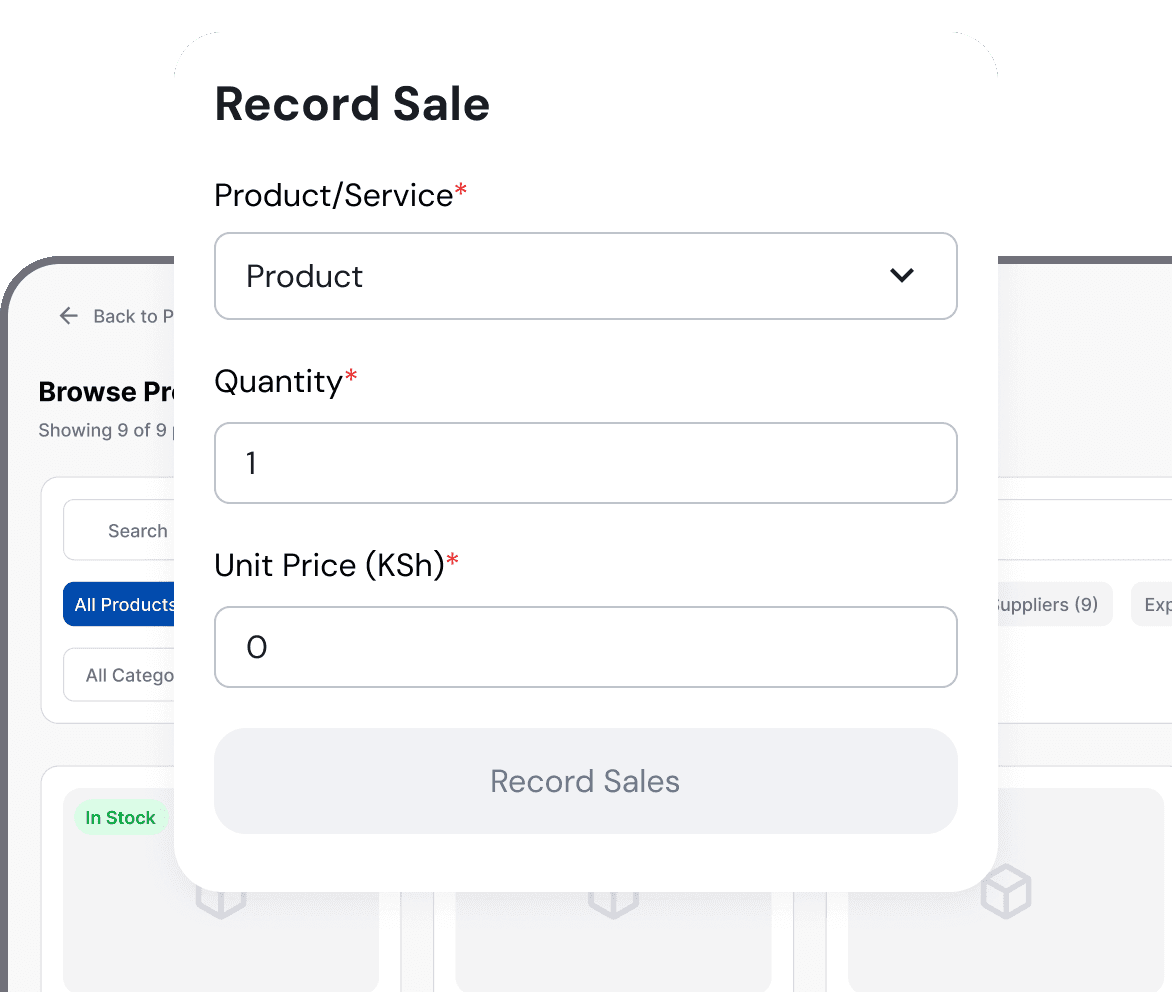
Product illustration. Example interface and sample values.
Made for your working day
Dukas, kiosks, convenience shops and small neighbourhood retailers selling fast-moving household products.
Small shops handle many low-value sales, frequent restocking and informal customer credit. Missing one quantity or mixing business money with personal spending makes the trading day harder to explain.
Select the products and quantities sold, then keep the completed transaction in the sales history. Clear entries reduce the need to reconstruct the day from memory.
Maintain starting quantities and review product movement. Count physical stock before ordering so the record reflects what remains on the shelf.
Record shop expenses with a useful description. Use supported customer and debtor records when goods are sold on credit instead of treating unpaid sales as cash received.
Add the shop's common products, selling units, prices and opening quantities.
Record sales and business expenses throughout the trading day.
Review sales, money received, customer balances and low stock before closing.
Supported checkout workflows let your team record cash, M-Pesa, card and bank payments. Payment recording does not automatically process a card or verify an M-Pesa transfer. Ask us to demonstrate the payment and confirmation steps available for your business.
See it with your business in mind
Bring ten common products, their prices and the units you sell. Ask the team to show a cash sale, an M-Pesa record, a credit sale, a stock count and the end-of-day report.
Request a Demo on WhatsAppVisit our showroom: Diamond Plaza 1, 4th floor, Parklands, Nairobi, Kenya.
WhatsApp: +254 117 154 195
Call: 0716 908 595
Windows installation guideYes. Start with the products and records the shop uses every day. A demonstration helps confirm the device and workflow before setup.
Supported customer and debtor workflows keep the sale and outstanding balance visible. Record later payments against the correct customer record.
No. A payment method entry is a business record. Confirm the source transaction through the enabled payment workflow before treating money as received.
An authorised owner can review synced records online. Internet access and the correct account permissions are required.
Use the Getting Started guide and ask the team to confirm the workflow and devices your business needs.
Visit Diamond Plaza 1, 4th floor, Parklands, Nairobi, Kenya. Call 0716 908 595 before travelling to arrange a time. Bring your sample products or services and the devices you plan to use.
Built around your business
Explore sales, stock and service workflows for businesses in Kenya.